BOBBY'S DAYCARE Player Tools & Checklists
Practical sheets you can keep open while the daycare listens.
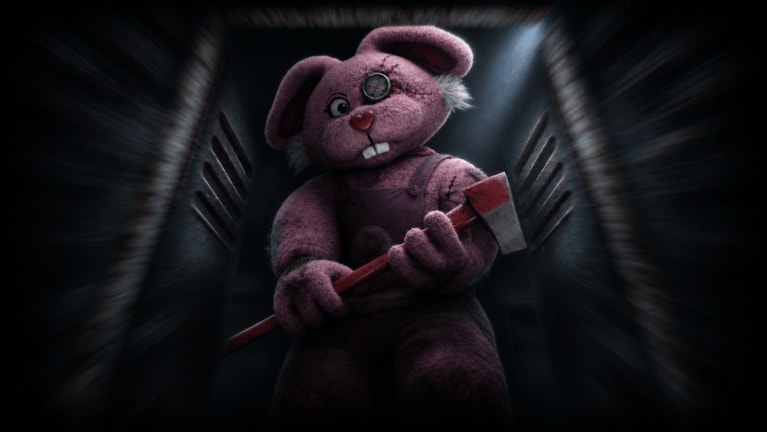
The Tools Hub collects practical helpers for live BOBBY’S DAYCARE sessions. Guides teach systems; tools keep your squad synchronized when the chore panel is filling and someone is already breathing too loud in a hallway.
Why tools matter in this game
BOBBY’S DAYCARE punishes disorganization. Night 1 expects you to power the nursery box, finish five chores, and assemble everyone in the blue SAFE ZONE at the front door before morning. In a lobby that can hold up to 30 players, voice chat and text alone are not enough — shared checklists prevent double-work and forgotten tasks. Chapter 2 (Benny’s Entertainment) and Bobby’s Playtime add more moving parts, so printable mental models matter even more.
Featured tool
Chore checklist
A Night 1–oriented checklist covering:
- Pre-lobby code redemption and group membership
- Powerbox start in the nursery
- Five chore panel slots with caller tips
- Quiet-movement reminders (SHIFT / C / F / Q)
- SAFE ZONE headcount at the front door
- Optional badge notes for First Night and Chapter 1
Open it on a second monitor or phone while another teammate watches the in-game panel.
How to use tools with guides
- Redeem everything on the Codes Hub before lock-in
- Skim Getting started if anyone is new
- Assign soft roles from the Players Hub
- Run the chore checklist during the night
- Escalate to Chapter 1 or Chapter 2 walkthroughs when story beats appear
- For PVP nights, read Bobby’s Playtime first so monster and survivor jobs are clear
Prep sheet (quick)
Before teleporting in
- Join Ares & Kimchi group
- Redeem
2MVISITS,CHAPTER2,GROUPMEMBER,FROSTBITE,5000LIKESas needed - Confirm who owns Night Shift revives or Push utility
- Agree on no unnecessary sprinting near listening zones
First five minutes
- Powerbox in nursery
- Lights on only with purpose (Q)
- Chore lead reads panel aloud
- Scout uses sneak (C) and breathe (F)
Closing the night
- Call remaining chores
- Stack at blue SAFE ZONE
- Do not peel for loot when the door rally is live
- Screenshot badge pops for Badges tracking
Tools vs scripts
Nothing in this hub injects into the Roblox client. Checklists are manual. If you were looking for ESP or auto-chore injectors, read the honest scarcity and risk notes on the Scripts Hub instead — dedicated scripts are scarce as of November 2026, and executors can cost accounts.
Spending tools
Thinking about Robux as a “tool”:
- Stealth perks and information perks function like quality-of-life tools — see Best perks
- Night Shift and Private Server function like session tools — see Best gamepasses
- Codes remain the free toolkit — see How to redeem
Accessibility reminders
The game warns about flashing lights, loud noises, and jumpscares. Tools cannot remove those effects. Take breaks, lower audio if needed, and use Stay Calm style perks only as optional aids — not medical advice.
More coming
This Tools Hub starts with the chore checklist because Night 1 failures are the most common. Future sheets may cover nightmare five-night tracking or Playtime survivor callouts. Check the Updates Hub when new modes need new forms.
Keep the checklist open, keep the crew quiet, and get everyone to morning.
Frequently Asked Questions
Quick answers for overnight shifts, codes, and Chapter survival.
What tools are available right now?
Start with the chore checklist for Night 1 powerbox, five chores, and SAFE ZONE headcount. More sheets will follow major mode updates.
Are these in-game items?
No. Wiki tools are planning helpers you keep beside the game. In-game items still come from chores, codes, perks, and passes.
Can a checklist replace a walkthrough?
No. Use checklists during live runs and walkthroughs for teaching. Pair this hub with the Guides Hub.
Do you provide script tools here?
No. Injected scripts are covered only as risk education on the Scripts Hub.