BOBBY'S DAYCARE How to Redeem Codes
Group join, CODES tab location, and troubleshooting for every active string.
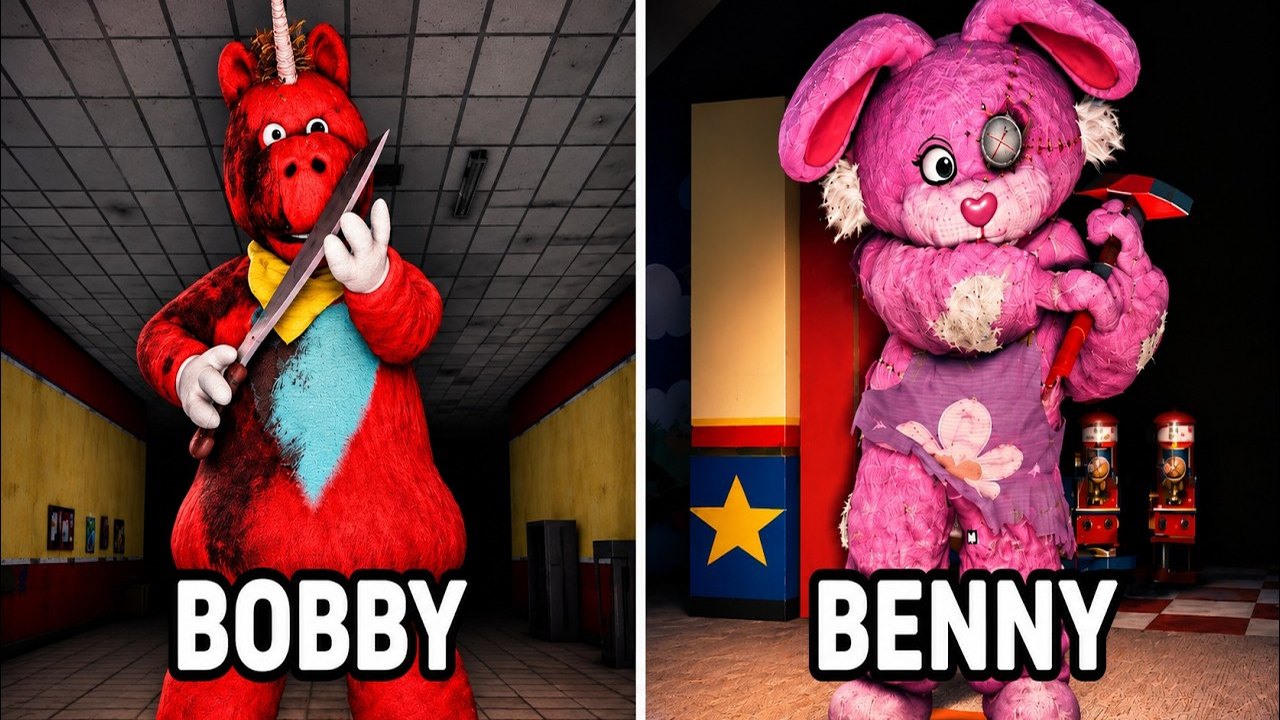
Redeeming codes in BOBBY’S DAYCARE is simple once you know the two gates that stop most players: group membership and the bottom-screen CODES tab. This guide walks through both, lists what each November 2026 code should grant, and explains failure cases that look like “expired” codes but are really setup mistakes.
Before you type anything
- Launch the correct experience: BOBBY’S DAYCARE on Roblox (universe 10771514327).
- Join the Ares & Kimchi Roblox group. Several rewards — especially
GROUPMEMBER— check membership. Other codes may also soft-fail if you skip the group. - Prefer a stable connection. Mid-redeem disconnects can delay inventory updates.
- Decide whether you are redeeming on a fresh night or mid-run. Lobby or safe downtime is better than typing while something listens in a hallway.
If you still need the fantasy refresher: the company sent your crew to clean an abandoned daycare overnight. Finish before morning, stay quiet, and respect the flashing lights / loud noises / jumpscares warning. Codes support that loop; they do not replace quiet play.
Step-by-step redemption
- Enter the game and wait until HUD elements finish loading.
- Look along the bottom of the screen for the CODES tab.
- Open CODES.
- Enter one string exactly as listed (no spaces, correct capitalization if shown in caps).
- Confirm / submit.
- Check Token balance, inventory, flashlight list, and any spin counters.
- Repeat for each remaining code.
- If a reward is missing, leave to Roblox home and rejoin once after confirming group membership.
Mobile players sometimes miss the tab behind chat or menu chrome. Rotate to landscape, hide chat, or tap carefully along the bottom bar. Desktop players can free the mouse with ALT if a lock is capturing clicks, then open CODES.
Active codes to enter (November 2026)
Pull the latest table anytime from the Codes Hub. Snapshot:
| Code | What you should see |
|---|---|
2MVISITS | 3 flashlight spins + 2 jumpscares |
CHAPTER2 | 750 Tokens |
GROUPMEMBER | 2 C4 + 3 Grenades (group required) |
FROSTBITE | Frostbite Flashlight |
5000LIKES | 750 Tokens |
Redeem order tip: join group → GROUPMEMBER → Token codes (CHAPTER2, 5000LIKES) → cosmetic / spin codes (FROSTBITE, 2MVISITS). That order makes it obvious which step failed if something does not appear.
What to do with rewards immediately
- Tokens — save for shop sinks that matter to your role; compare ideas on Best perks and Best gamepasses before impulse buys.
- Flashlight spins / Frostbite Flashlight — equip before nursery powerbox so Night 1 darkness is covered (Getting started).
- C4 / Grenades — situational tools, not a stealth plan. Loud solutions fight the listening fantasy; keep them for emergencies your crew agrees on.
Troubleshooting checklist
“Invalid” or no response
- Re-copy the code from the Codes Hub; avoid OCR typos from screenshots.
- Confirm you are not in a lookalike obby place.
- Confirm Ares & Kimchi membership shows as Joined.
Code accepted but empty rewards
- Rejoin the server once.
- Check every inventory category (tools, flashlights, consumables).
- Wait a minute; replication lag happens in busy 30-player servers.
Only some codes work
- Milestone codes can retire after campaigns end. If
2MVISITSdies next month, trust the hub update over old videos. GROUPMEMBERfailing while Token codes succeed almost always means group join did not stick — leave and rejoin the group, then retry.
UI missing entirely
- Press M for menu and see if CODES is nested.
- Update Roblox, disable overlapping overlay software, try another device.
- Private Server or Custom Match lobbies still should expose CODES; if a custom lobby UI hides it, return to a standard lobby to redeem.
Safety rules
Never type BOBBY’S DAYCARE codes into third-party websites that promise “auto redeem” or free Robux. Those sites steal accounts. Never pay a stranger for a “private code list.” Only the in-game CODES tab is authoritative. The same caution applies to random script loadstrings shared beside code videos.
After redeeming: start the night correctly
With rewards claimed:
- Assign roles using ideas from the Players Hub
- Open the chore checklist
- Power the nursery box, clear five chores, rally the blue SAFE ZONE
- When ready for story depth, continue with Chapter 1 walkthrough or Chapter 2 walkthrough
If Chapter 2 just dropped for your friends, also skim Chapter 2 update notes so they understand why the CHAPTER2 Token code exists.
Related pages
- Codes Hub — master list
- Controls — ALT free mouse helps UI clicks
- Updates Hub — when new codes ship with patches
- Links Hub — official Roblox destination
Redeem carefully once, then stop fiddling with menus when the daycare goes dark.
Frequently Asked Questions
Quick answers for overnight shifts, codes, and Chapter survival.
Where is the CODES tab?
Along the bottom of the in-game screen. Free the mouse with ALT on desktop if clicks are captured, then open CODES and paste a string.
Why does GROUPMEMBER fail?
You must join the Ares & Kimchi Roblox group first. Rejoin the group, rejoin the game, then redeem again.
Can I redeem on mobile?
Yes. Use landscape, clear overlapping chat if needed, and tap the bottom CODES tab carefully.
Do codes work in Private Server?
You should still use the same CODES tab. If a custom UI hides it, redeem in a standard lobby, then return to your server.